

How Image-to-Video Is Turning Into a Repeatable Production Workflow
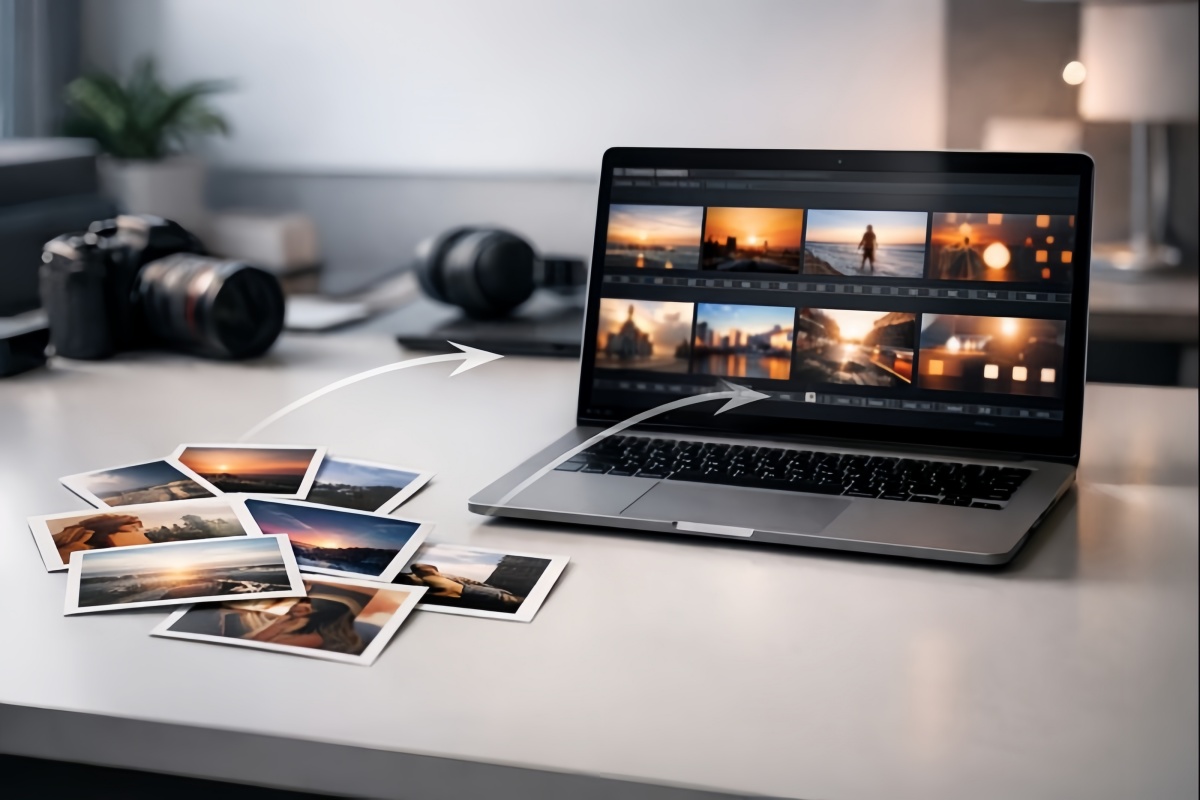
image to video for production workflow
Define the Role of the Clip

A Content Ladder for Scaling Output
Turn still images into scalable video—using a repeatable image-to-video workflow that boosts output, consistency, and performance without heavy editing.
SHERIDAN, WY, UNITED STATES, January 4, 2026 /EINPresswire.com/ -- Short-form video has become a default output format across social feeds, paid media, product detail pages, and creator channels. For many teams, however, the constraint is not a shortage of ideas or assets. The constraint is the lack of a production workflow that reliably turns still images into usable motion at scale.Marketing and ecommerce organizations often have large libraries of visuals: product photography, lifestyle imagery, event coverage, creator submissions, screenshots, and campaign assets designed for static placements. These materials are frequently strong on their own, yet converting them into video introduces friction. Motion exposes inconsistencies in lighting, edges, composition, and subject clarity. It also introduces a planning challenge: without a defined role for the clip, the output becomes difficult to place, test, or reuse.
Image-to-video systems are increasingly being used to solve a workflow problem rather than a “creative effect” problem. The most durable results come from treating generation as production: selecting inputs that hold up in motion, defining what the clip must accomplish, generating controlled variations, applying simple stability rules, and extending winning takes to match placement requirements. In practice, the shift is from “make a cool clip” to “run a repeatable pipeline.”
This document outlines common patterns observed in repeatable free image-to-video workflows and the operational decisions that reduce failure rates, stabilize quality, and improve reuse across platforms.
1. Why Image-to-Video Works When It Is Managed Like Production
Image-to-video is often framed as a time-saver. Teams that operate at scale typically describe it differently: as a content multiplier with production constraints.
A single strong image can produce several motion takes, each tailored to a different purpose. One version may prioritize a fast hook for social. Another may emphasize subtle realism for a product page loop. A third may provide an alternate camera move suitable for paid ads. When these outputs are generated from a consistent base asset, the result is higher campaign coherence with less manual rework.
In performance-led workflows, variation is not optional. Different platforms reward different pacing, framing, and opening seconds. Even within a single platform, multiple hooks are frequently required to find a winning pattern. Image-to-video supports this approach by making it feasible to generate multiple versions quickly, then select the strongest take based on review criteria and, later, performance signals.
This model also reduces dependency on reshoots and complex coordination. Traditional video pipelines rely on scheduling, talent, locations, and post-production time. Image-to-video shifts a portion of that work upstream into asset selection and brief writing, and downstream into variation review and placement packaging.
The practical takeaway is that image-to-video becomes reliable when treated as a system with clear inputs, constraints, and repeatable steps—rather than as a one-off creative experiment, especially when paired with tools like an AI video length extender to scale and stabilize output.
2. Selecting Source Images That Hold Up in Motion
Quality in image-to-video is heavily influenced by the source image. Weak inputs tend to produce unstable motion, regardless of model strength, because the generator must infer missing structure while also animating movement.
Source images that perform well in motion typically share several characteristics:
A clearly defined subject that is large enough in frame to preserve shape and detail
Clean separation between subject and background, with visible edges
Strong lighting and contrast that avoid muddy gradients and unclear outlines
Visual elements that tolerate subtle motion, such as fabric, hair, steam, water, reflections, and implied action
A simple story cue (turning, pouring, holding, walking) that gives the motion direction without requiring complex scene changes
Conversely, certain inputs repeatedly produce artifacts:
Cluttered backgrounds with many overlapping objects or repeating patterns
Distant subjects with low pixel detail on faces or products
Low-light images with heavy noise, banding, or compression
Over-processed assets with harsh sharpening, haloing, or visible AI upscaling artifacts
Many teams report that improving source selection alone produces immediate gains in output stability. This is often the most efficient intervention because it reduces downstream iteration time.
A practical operational rule is to treat image selection as a gate, not a preference. If an image does not meet basic stability criteria, it is cheaper to swap the source than to attempt to “prompt” quality into the result.
3. Define the Role of the Clip Before Generating Anything
A frequent failure mode in early image-to-video adoption is generating a clip first, then trying to assign it a job later. This approach creates a mismatch between motion style and placement requirements, leading to unnecessary rework.
Repeatable workflows begin by clarifying what the clip is meant to do. Common roles include:
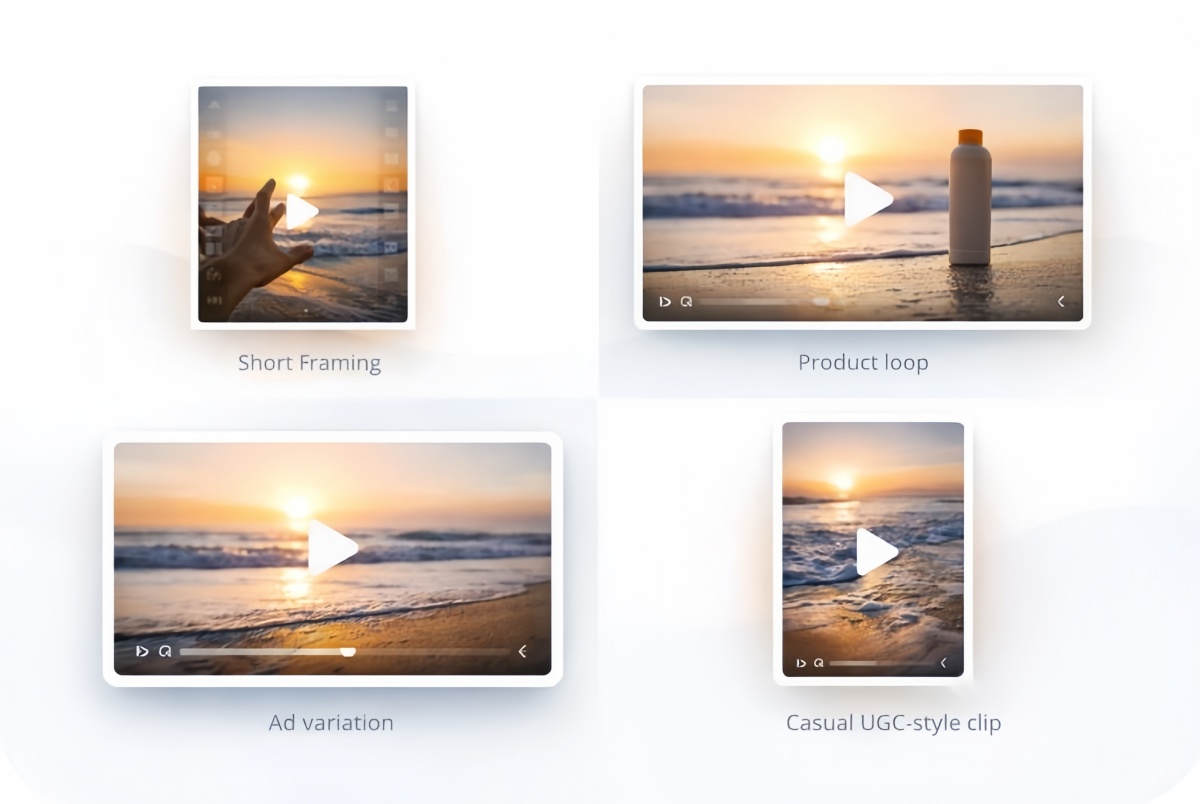
Hook clip: a short motion take designed to earn attention in the first second
Product loop: subtle, premium motion that keeps a product visually active on a page
Ad variation: motion that supports a single benefit statement and leaves room for later copy
Story bridge: a short transitional beat between scenes
UGC-style social: casual realism with natural camera behavior and restrained polish
Explainer visual: motion that clarifies a concept (e.g., before/after, feature highlight, step change)
Each role implies a different motion strategy. Hook clips often benefit from more obvious movement and faster camera changes. Product loops usually look best when motion is minimal and “expensive” rather than dramatic. UGC-style content tends to perform better when the camera feels human, including slight handheld behavior, rather than overly smooth cinematic motion.
This role-first framing helps prevent “output without placement,” which is one of the main reasons teams accumulate clips that are visually interesting but difficult to deploy.
4. A Scalable Image-to-Video Workflow Used Across Categories
Repeatable production systems commonly break the work into short steps that are easy to review and hand off.
Step 1: Write a brief in plain language
A workable brief does not need technical vocabulary. Many teams use 2–4 lines that specify:
Subject: what must remain recognizable and stable
Motion: what moves, how much, and at what pace
Camera: push-in, pan, tilt, handheld, static
Style: realistic, cinematic, clean commercial, documentary, etc.
Constraints: elements that must not change (logos, labels, anatomy, text, background objects)
Example brief (product):
Close-up of a skincare bottle on a clean bathroom counter.
Soft light sweep across the label; gentle camera push-in.
Subtle steam in the background; premium commercial look.
Bottle shape remains unchanged; no new text; label stays readable.
This brief acts as a production reference. It reduces ambiguity, makes review faster, and improves consistency across variations.
Step 2: Generate small batches of variations
Teams rarely rely on a single generation. Variation is treated as part of the workflow, not a contingency plan.
A common baseline:
3 variations that change motion intensity
2 variations that change camera behavior
1 conservative take with minimal movement
This structure increases the chance of at least one usable output and reduces the risk of losing time to repeated retries. It also enables selection, which is a core quality mechanism in many production environments.
Step 3: Review with stability rules, then select winners
Review criteria are typically simple and repeatable:
Subject stability (no warping, stretching, or shape drift)
Edge integrity (hands, labels, hair, outlines remain clean)
Background coherence (no morphing objects, no texture collapse)
Motion intent (movement supports the clip’s job)
Brand consistency (color, lighting, styling match the destination placement)
Selected “winners” are moved forward; weak takes are discarded quickly to avoid sunk-cost editing.
Step 4: Package outputs for placements
Even when the motion is strong, placement failure can occur due to formatting issues: crop safety, text overlay space, opening frame clarity, or loop smoothness. Many teams therefore package outputs immediately after selection, creating platform-ready versions rather than storing raw takes.
5. A Practical Motion Menu Used in Production
Teams often standardize a small set of “approved” motion types that work across categories.
Different use cases benefit from very different motion choices. When motion matches the context, image-to-video feels intentional; when it doesn’t, the result often looks artificial or distracting.
For product page loops, subtle motion works best. A gentle push-in, a light sweep across the surface, or slow parallax adds life without pulling attention away from the product. Fast zooms or chaotic camera movement usually break the loop and feel unnatural.
For social hooks, motion needs to register immediately. A quick push, a snap pan, or clear subject movement helps stop the scroll. Slow starts or animations with no obvious subject change often fail to grab attention in the first second.
For a UGC-style look, small imperfections are an advantage. Slight handheld shake or natural micro-movement feels human and casual. Overly smooth, perfectly stabilized motion tends to look robotic and less authentic.
In fashion and beauty content, focus on material movement and light. Hair, fabric, and soft lighting shifts enhance texture and realism. Heavy background distortion or aggressive warping usually distracts from the subject.
For food visuals, subtle physical cues sell the shot. Steam rising, liquid pouring, surface shine, or a slow rotation works well. Problems often appear as edge artifacts or messy outlines around plates and ingredients.
In real estate or travel scenes, slower camera motion is safer. A calm pan, gentle parallax, and atmospheric movement maintain realism. Aggressive motion often causes warped straight lines and breaks the sense of space.
The operational goal is not maximum movement. The goal is purposeful movement that reads as believable and supports the role of the clip.
6. Five Fixes That Reduce “AI-Looking” Output
Many artifacts are predictable. Production teams often correct quality by adjusting requests and inputs rather than relying on manual editing.
(1) Lower the motion intensity: Aggressive motion increases distortions, especially around faces, hands, labels, and edges. Subtle movement generally preserves structure better.
(2) Lock what must not change: Explicit constraints improve stability: product silhouette, label readability, logo integrity, background objects remaining fixed, and anatomy consistency.
(3) Prefer camera movement over object movement: A gentle push-in or slow pan often looks more realistic than attempting to animate multiple elements inside the frame.
(4) Simplify backgrounds whenever possible: Complex backgrounds amplify errors. Cleaner scenes reduce model confusion and produce more coherent motion.
(5) Treat selection as part of production: Multiple takes are reviewed, and the strongest output is chosen. This approach resembles traditional filming workflows, where selection is built into the process.
7. Extending Clips Without Turning Them Into Repetition
Short clips can perform well, but many placements benefit from longer durations. Social platforms frequently reward watch time, and longer clips may be needed for voiceover pacing, captions, or product storytelling.
Traditional extension methods rely on manual editing: repeating frames, slowing motion, adding b-roll, and retiming transitions. These methods add time and can reduce realism.
A workflow-friendly alternative extends motion while preserving continuity. The extension maintains the same camera language and lighting behavior, allowing a 3–4 second clip to become a 6–10 second version without obvious repetition.
AI-based clip extension tools are increasingly used for this stage, enabling longer variants without rebuilding sequences from scratch. This step is often where teams capture additional value from a single source image, especially for ad sets that require multiple durations.
8. A Content Ladder for Scaling Output Without Increasing Complexity
Teams that stabilize image-to-video often adopt a tiered approach to scale.
Level 1: Single-image motion (fast testing): One image produces multiple short motion clips. The goal is speed and iteration.
Level 2: Extended versions (retention and pacing): Winning clips are extended to support longer placements, voiceovers, or smoother loops.
Level 3: Multi-asset sequences (campaign narrative): Several clips are combined into a short story: an opening hook, a product moment, and a closing beat. This supports ads, landing page headers, and campaign narratives.
This ladder prevents teams from jumping straight to high-effort sequences before stable single-image motion is established.
9. A Pre-Publish Quality Checklist Used in Review
Many teams run a quick checklist before shipping assets to ads or web placements.
Visual integrity
Subject remains stable; no warping or drift
Edges and outlines remain clean
Background remains coherent; no morphing objects
Brand clarity
Product remains recognizable
Colors and lighting match brand standards
Style aligns with the destination placement
Platform readiness
Safe crop area exists for UI overlays
Opening frame communicates quickly for social
Loop ends cleanly for web or PDP use
Message fit
Motion supports the claim rather than distracting from it
Space exists for later text if required
This review step is often short, but it reduces the likelihood of publishing clips that appear artificial or misaligned with placement needs.
Common Production Recipes
10. Ecommerce product (“premium loop”)
Source: product on a clean surface
Motion: slow push-in + light sweep
Duration: short base clip, extended versions as needed
Output: PDP loop plus ad variants
Creator content (“UGC feel”)
Source: casual selfie-style image
Motion: subtle handheld behavior + natural micro-movement
Avoid: overly cinematic camera that breaks authenticity
App/SaaS (“feature teaser”)
Source: UI screenshot inside a device mockup
Motion: slow pan + subtle depth movement
Constraint: on-screen text remains readable; no warping
Event marketing (“moment highlight”)
Source: a single strong event image with a clear subject
Motion: gentle camera travel + atmospheric lighting shift
Output: social teaser, recap loop, ad hook variation
11. Tooling and Workflow Adoption
As image-to-video shifts from experimentation to routine production, teams increasingly pair generation with variation output and clip extension as part of a single pipeline. Platforms such as GoEnhance AI are commonly used in these workflows to support short motion generation, variation creation, and clip extension in a unified environment, particularly for teams producing large volumes of short-form assets.
This type of tooling is often adopted alongside simple operational standards: brief templates, motion menus, review checklists, and placement packaging rules. Together, these elements turn generation into a repeatable workflow rather than an unpredictable creative gamble.
12. Conclusion
Image-to-video becomes repeatable when it is treated like production: strong source images, a defined job for each clip, controlled variations, and extension of winning outputs. Teams that scale fastest tend to rely less on “perfect prompts” and more on consistent rules that reduce failure rates—then iterate based on performance signals such as watch time, click-through rate, saves, and conversion.
As adoption grows, the core advantage is not a single model’s output style. The advantage is a system that produces usable video from existing image libraries with predictable quality and manageable effort.
Irwin
MewX LLC
support@goenhance.ai
Visit us on social media:
LinkedIn
YouTube
X
Legal Disclaimer:
EIN Presswire provides this news content "as is" without warranty of any kind. We do not accept any responsibility or liability for the accuracy, content, images, videos, licenses, completeness, legality, or reliability of the information contained in this article. If you have any complaints or copyright issues related to this article, kindly contact the author above.
